> ## Documentation Index
> Fetch the complete documentation index at: https://help.mockspark.com/llms.txt
> Use this file to discover all available pages before exploring further.
# Introduction
> Welcome to Mockspark Help Center!
Mockspark Product Personalizer is an app designed specifically for **Shopify** merchants.
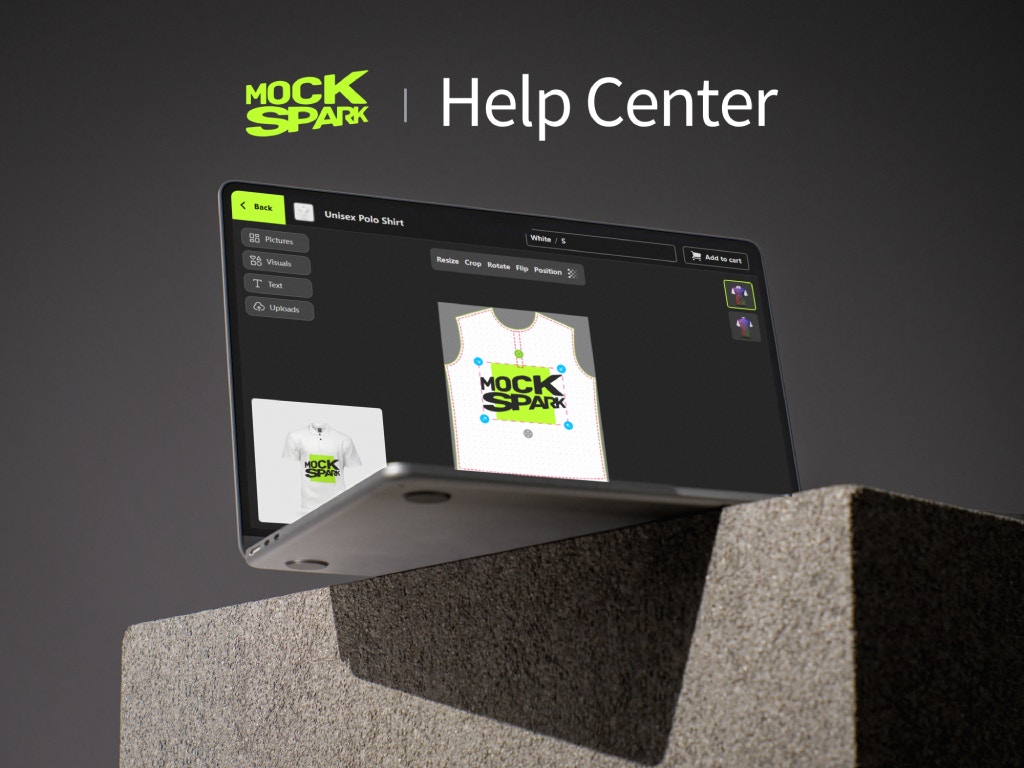 Boost your Shopify store’s sales with **Mockspark Product Personalizer**. Effortlessly create stunning product mockups and offer customizable print-on-demand products. Deliver an engaging design experience to your customers and turn your Shopify store into a customization powerhouse. Perfect for print-on-demand, apparel, and personalized gift products.
Here you’ll find resources, guides, and support to help you get the most out of Mockspark.
## New to Mockspark?
Start here to quickly install your app and learn how to use its key features.
Get your docs set up locally for easy development
Start selling your customizable products in minutes
## Browse by Category
Explore topics by category to find answers fast.
Boost your Shopify store’s sales with **Mockspark Product Personalizer**. Effortlessly create stunning product mockups and offer customizable print-on-demand products. Deliver an engaging design experience to your customers and turn your Shopify store into a customization powerhouse. Perfect for print-on-demand, apparel, and personalized gift products.
Here you’ll find resources, guides, and support to help you get the most out of Mockspark.
## New to Mockspark?
Start here to quickly install your app and learn how to use its key features.
Get your docs set up locally for easy development
Start selling your customizable products in minutes
## Browse by Category
Explore topics by category to find answers fast.